
Meta Conversions API for Lead Generation: A Practical Setup Guide
Plan Meta Conversions API for lead generation with useful events, reliable deduplication, privacy-aware data handling, testing, and funnel reporting.
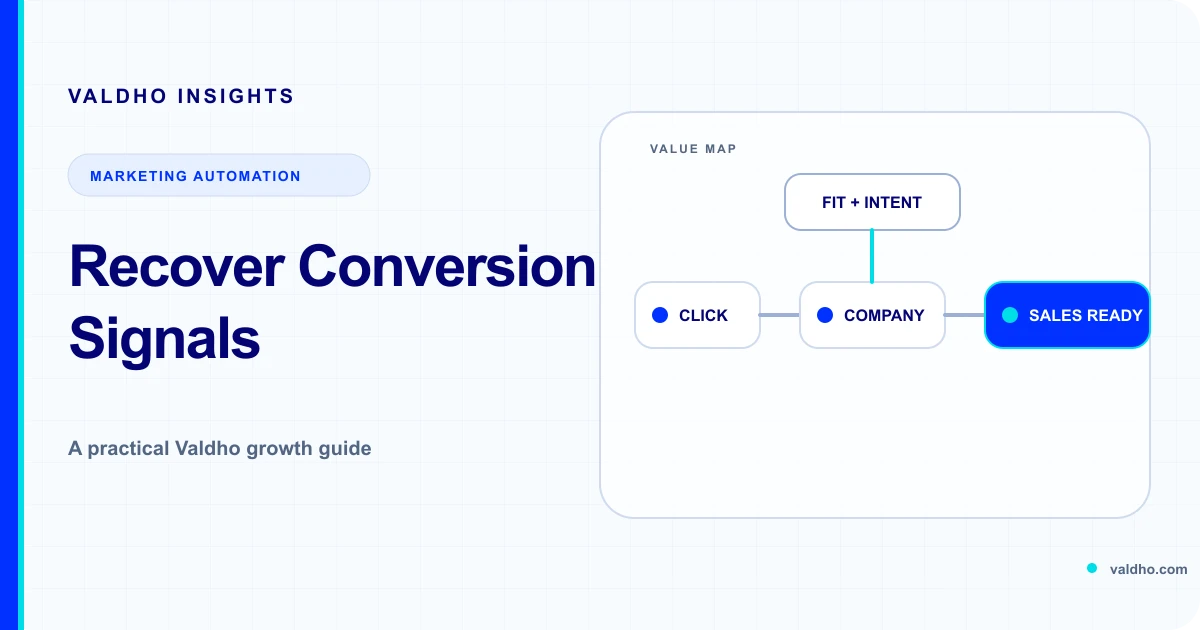
Meta Conversions API for lead generation is a server connection that sends selected customer actions from a business system to Meta. For a service business, those actions might include a form submission, a qualified lead, a booked consultation, or a completed sale. The useful question is not how many events can be sent. It is which events represent a real step in the buying journey and can be produced consistently.
Meta's current Conversions API overview describes sending marketing data from a server, website platform, app, or CRM to Meta. Use that connection as one measurement input. It does not repair unclear funnel definitions, missing consent, duplicate integrations, or a CRM that never records what happened after the first form.
Start with the business decision, not the integration
Write down the decision the tracking should support before choosing a partner tool or asking a developer to send events. A coach may need to distinguish enquiries from suitable consultation requests. An agency may need to compare channels by sales-accepted leads. A consultant may need to connect a booked call to a later proposal and customer. Each case needs a different event map.
- Decision: the budget, campaign, audience, or funnel choice this data should inform.
- Outcome: the observable customer action that matters to the business.
- System of record: the form, calendar, CRM, payment system, or database that confirms it.
- Owner: the person accountable for event meaning, data quality, and exceptions.
- Freshness: how quickly the event needs to arrive to remain useful.
- Boundary: what the event does not prove about intent, fit, revenue, or attribution.
Map one lead journey end to end
Use the stages in Valdho's B2B lead generation funnel as a practical starting point: attract relevant demand, capture context, qualify fit, route the lead, and follow through to a real sales outcome. Keep the event map smaller than the operating process. Send only the stages that are stable, useful, and appropriate to share.
- Page view or content view: useful for diagnostics, but weak evidence of lead intent.
- Lead: a completed enquiry or opt-in that passed basic validation.
- Qualified lead: a record that meets a documented fit and intent rule.
- Schedule: a confirmed appointment associated with the correct lead and funnel.
- Sales outcome: a proposal, accepted opportunity, purchase, or other outcome your system can verify.
- Disqualified or cancelled state: usually valuable in your CRM analysis even when it is not an ad optimization event.
Choose events that can be produced reliably
Use a standard event when its meaning matches the customer action. Use a custom event or conversion rule only when the standard meaning would be misleading. Document the exact trigger in plain language, including validation, test records, duplicates, cancellations, reschedules, spam, internal traffic, and imported leads. The same event name should mean the same thing across the website, server, CRM, and reporting notes.
Meta's current server event parameter reference identifies core server event fields such as event name, event time, action source, customer information, and an optional event ID. Treat the reference as the implementation contract and check the current API version before launch rather than copying an old payload from a blog post.
Design the event ID before writing code
A lead action may be observed by the browser and confirmed again by the server. Without a shared identity for that one action, two integrations can look like two conversions. Generate a stable event ID at the moment the action begins or completes, preserve it through the browser request and server workflow, and send the same event name and event ID for the same action. Do not reuse one identifier across different actions or people.
Meta's official Pixel and Conversions API deduplication guide explains how browser and server events are deduplicated. Make the identifier visible in test logs so a reviewer can compare both paths without exposing customer data.
- Create one event ID for one customer action, not one page, session, or campaign.
- Carry the identifier through the form, calendar, CRM, and background job where applicable.
- Use the same event name and ID on browser and server copies of the same action.
- Make retries idempotent so a timeout does not produce a new business event.
- Record delivery attempts, responses, and final status separately from the customer action.
- Test fast, delayed, retried, cancelled, and duplicate paths before using the event for optimization.
Send only data you are allowed to use
Server-side does not mean consent-free or privacy-free. Inventory every field, why it is needed, where it came from, how long it is retained, who can access it, and how a preference or deletion request propagates. Hashing can change the representation of a field, but it does not create permission to collect or share it. Avoid putting sensitive context into event names, URLs, custom data, or free-text fields.
Meta's current Business Tools Terms govern data sent through tools including the Meta Pixel and Conversions API. Review those terms, Meta's developer documentation, your own notices and permissions, and the laws that apply to the people you serve. Obtain qualified advice where required.
Choose the simplest responsible connection path
A direct integration offers control but creates engineering, security, versioning, monitoring, and incident-response work. A partner integration can reduce implementation effort but still needs review of event mapping, permissions, data flow, deduplication, retries, and access. A gateway or tag-management route adds its own operating surface. Choose the path your team can understand and maintain after the launch project ends.
- Native platform connection: confirm exactly which events and fields it sends and how duplicates are handled.
- Partner connection: review scopes, subprocessors, retention, failure visibility, and change control.
- Direct API: assign owners for credentials, API upgrades, queues, retries, logging, and incident response.
- Server-side tag management or gateway: document every transformation and keep environments separated.
- CRM event feed: ensure stage changes are evidence-based and reversible corrections do not create misleading conversions.
Build a test plan around complete journeys
Use Meta's documented Test Events workflow to verify receipt during implementation, then remove test-only settings before production. A successful API response shows that a request was accepted for processing. It does not prove that the event represents the right customer action, was deduplicated correctly, or matches your CRM totals.
- Submit a valid lead and compare browser, server, form, and CRM records.
- Repeat the same request and confirm it does not create a second business event.
- Delay the server job and confirm the original event time and identifier remain correct.
- Trigger validation failure, spam rejection, calendar cancellation, and rescheduling paths.
- Verify that test traffic is excluded from business reporting and optimization audiences.
- Confirm logs contain identifiers and status details without unnecessary customer information.
- Reconcile a known test set from source record through Meta Events Manager and internal reporting.
Diagnose gaps before changing campaigns
When reporting looks wrong, separate event creation, transport, validation, deduplication, matching, attribution, and dashboard display. Start with source records and a small known time window. Count eligible actions, rejected actions, browser sends, server sends, accepted requests, retries, and deduplicated pairs. A mismatch can come from definitions, time zones, late CRM updates, consent rules, browser loss, job failures, or different attribution settings.
- Missing event: confirm the source action occurred and satisfied the documented trigger.
- Extra event: inspect retries, multiple integrations, repeated page loads, and identifier reuse.
- Poor deduplication: compare event name and event ID on both copies of the same action.
- Low match coverage: verify permitted identifiers are normalized and formatted according to current documentation.
- CRM disagreement: align stages, exclusions, time zone, event time, and correction rules.
- Campaign disagreement: compare attribution windows and remember that platform reporting is not a complete revenue ledger.
Create a measurement view the team can trust
Keep an internal funnel report alongside ad-platform reporting. For each stage, show the source count, event count, exclusions, delivery failures, deduplication status, and downstream outcome. Compare stable cohorts by campaign, landing page, audience, offer, and period. Do not present platform-attributed leads as identical to unique people, qualified opportunities, or recognized revenue.
Start from a tested journey rather than an empty canvas by reviewing Valdho's funnel templates. Then document the events, handoffs, owners, and reporting rules beside the selected funnel so implementation and measurement describe the same customer journey.
Use this Meta CAPI lead tracking checklist
- Define the business decision and verified lead outcome the integration should support.
- Map the complete journey from ad click through qualification, meeting, and sales outcome.
- Choose a small event set with explicit triggers, exclusions, owners, and source systems.
- Use current Meta parameter guidance and a supported API version.
- Create stable event IDs and preserve them across browser, server, CRM, and retry paths.
- Review lawful purpose, notices, permissions, minimization, retention, access, and deletion handling.
- Select an integration route the team can secure, monitor, update, and explain.
- Test valid, invalid, duplicate, delayed, cancelled, and corrected journeys end to end.
- Reconcile source records, API delivery, deduplication, matching, attribution, and CRM outcomes separately.
- Keep an internal measurement view and treat Meta reporting as one input to campaign decisions.
Valdho connects funnel building, lead capture, sales CRM, reporting, Meta Pixel, and Conversions API support in one workspace. Review the current Valdho plans and choose the operating capacity that fits your lead volume, automation, meetings, and reporting needs. Build the event map first, then use the platform to keep the customer journey and its measurement connected.
Put the playbook into practice
Build the journey and automate the next step with Valdho
Create pages, capture and qualify leads, automate follow-up, and measure conversion from one connected workspace.
Start 14-day trial
